AI-Powered HAR (HTTP Archive) Analysis Tool
AI-powered HAR file analyzer
OVERVIEW
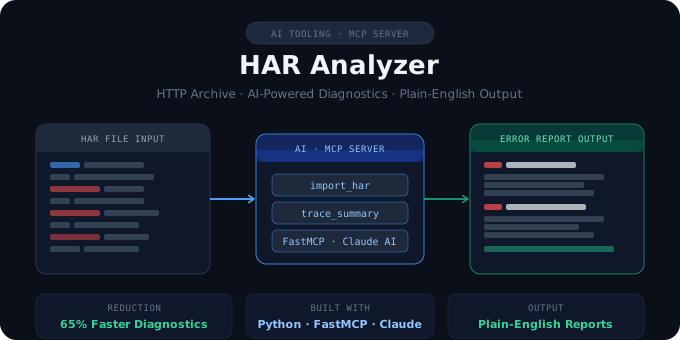
HAR files are the go-to diagnostic tool for engineers troubleshooting customer network issues — but reading them manually means scanning thousands of lines of raw JSON to find a single error. I built an AI-powered MCP server in Python that connects directly to VS Code via Cline, letting engineers analyze HAR files with a plain-English prompt instead. The tool automatically imports the file, filters to every HTTP 4xx and 5xx error, and returns a structured summary with the URL, status code, headers, timing data, and a plain-English explanation of what went wrong and why — in under 10 seconds, with sensitive headers like Authorization and API keys automatically redacted.

What makes this more than a script is the architecture: by exposing the logic as MCP tools, the AI can orchestrate multi-step workflows autonomously, answer follow-up questions, and adapt the analysis on the fly. What used to take a support or solutions engineer 15–30 minutes of manual work now takes a single sentence. The same pattern — purpose-built tools, AI orchestration, structured output — applies to log analysis, API validation, and dozens of other workflows that consume disproportionate engineering time. Please see AI-Powered HAR (HTTP Archive) Analysis Tool Case Study for a detailed look at the tool.